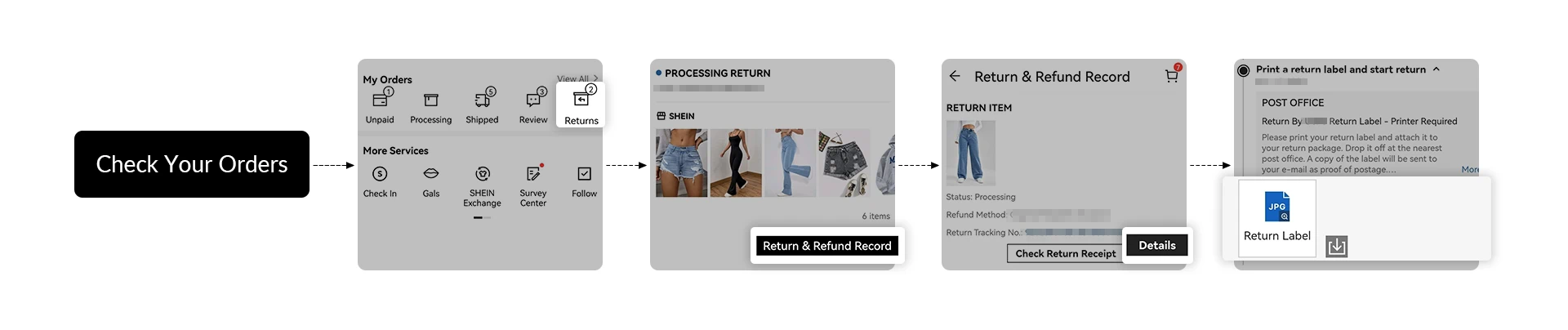
1. Sign into your SHEIN User Account.
2. Go to " My Orders " and find the order that contains the item(s) you would like to return and click "Order Details".
3. Then click the "Return Item" button, select the item(s) you would like to return, indicate the reason, and click "Next Step." Please note that some items are non-returnable as specified above.
4. Select the "Return Method". Please note that due to restrictions imposed by logistics carriers, certain return methods may not be available for specific items.
5. Select the "Refund Method" and click "Submit"
6. In certain cases, we reserve the right, at our sole discretion, to issue a refund for an item without the need of you returning the item.